10 Best Free AI Resume Builders in 2025
Creating a professional resume can be a time-consuming task, especially if you want it to stand out and pass Applicant Tracking Systems (ATS). Luckily, AI-powered resume builders are revolutionizing the way job seekers create resumes. With just a few clicks, you can generate a polished, ATS-ready resume in minutes.
In this article, we’ve curated a list of the 10 best free AI resume builders in 2025. Each tool is easy to use, offers professional templates, and can help you create a resume that lands interviews. Whether you’re a student, fresher, or professional looking to upgrade your resume, these AI tools will make your life easier.
Why Use AI Resume Builders?
AI resume builders save time, ensure professional formatting, and help you create resumes that get noticed. Here’s why you should consider using them:
Time-Saving: AI instantly generates resume content, saving hours of manual work.
Professional Templates: Use modern designs that stand out to employers.
ATS Optimization: Many AI tools optimize resumes to pass automated screening software.
Free Options: Most AI resume builders offer functional free plans.
Top 10 AI Resume Builders
1. Resume.io
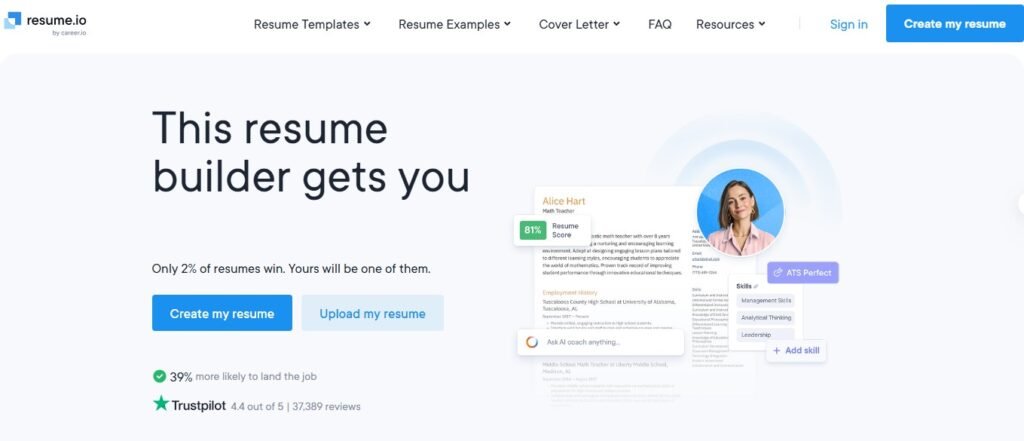
Features: Wide range of templates, AI content suggestions, PDF export
Pros: Easy-to-use, professional templates
Cons: Limited free downloads
2. Kickresum
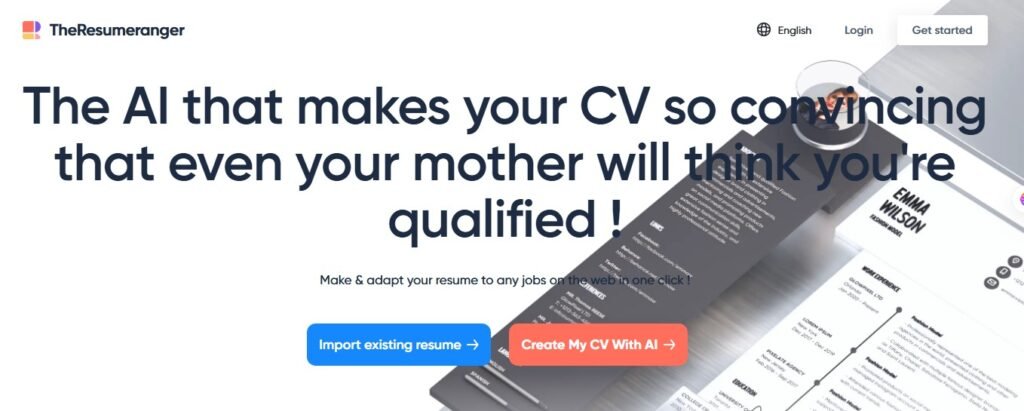
Features: AI-powered content creation, multiple professional templates
Pros: Great for beginners, offers cover letter builder
Cons: Some templates are paid
3. Teal
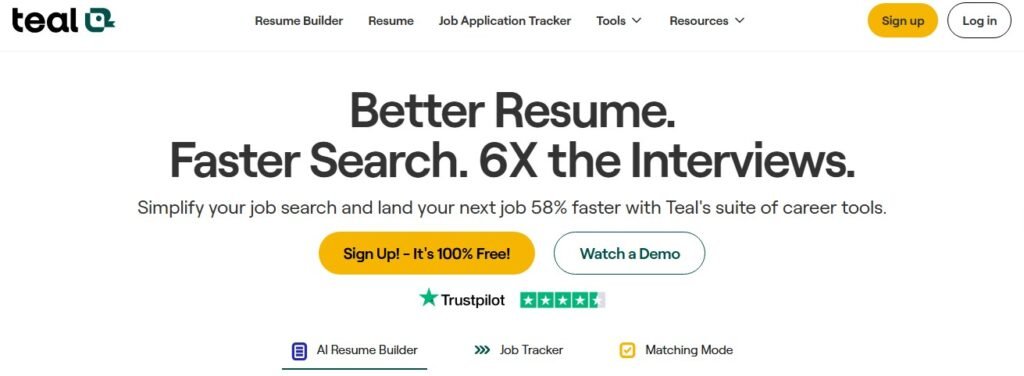
Features: AI resume builder, job matching, step-by-step guidance
Pros: Free and user-friendly
Cons: Limited advanced templates
4. Rezi
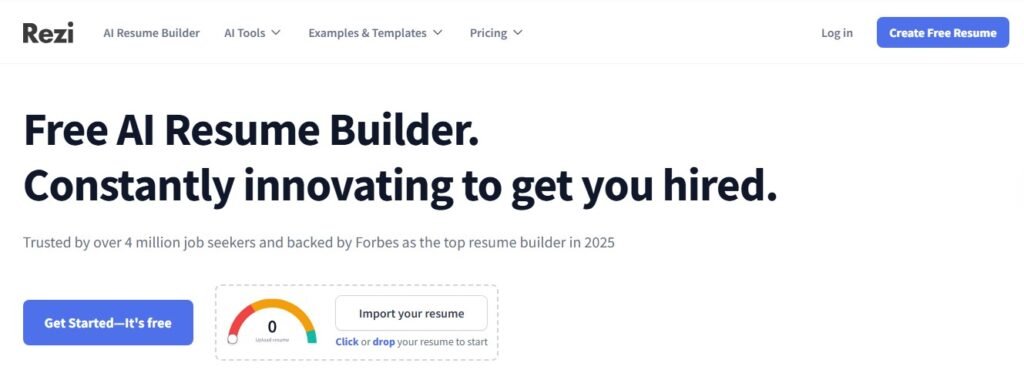
Features: ATS-ready resume generation, keyword suggestions
Pros: Free plan available, AI-driven improvements
Cons: Free plan has limited features
5. Canva AI Resume
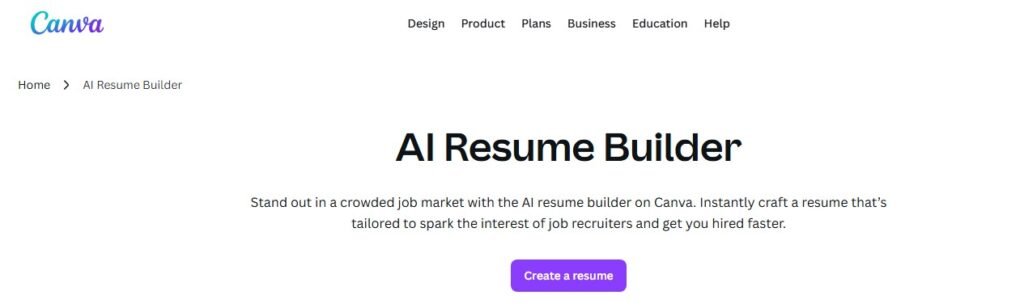
Features: AI content suggestions, drag-and-drop design
Pros: Creative, visually appealing resumes
Cons: Requires Canva account
6. Novoresume
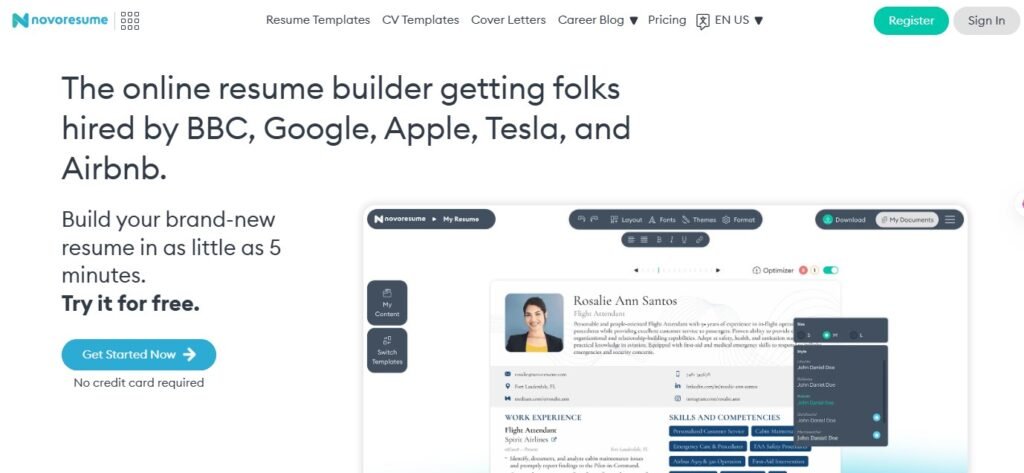
Features: Step-by-step resume builder, professional templates
Pros: Clean, modern templates
Cons: Free version has limited downloads
7. Zety
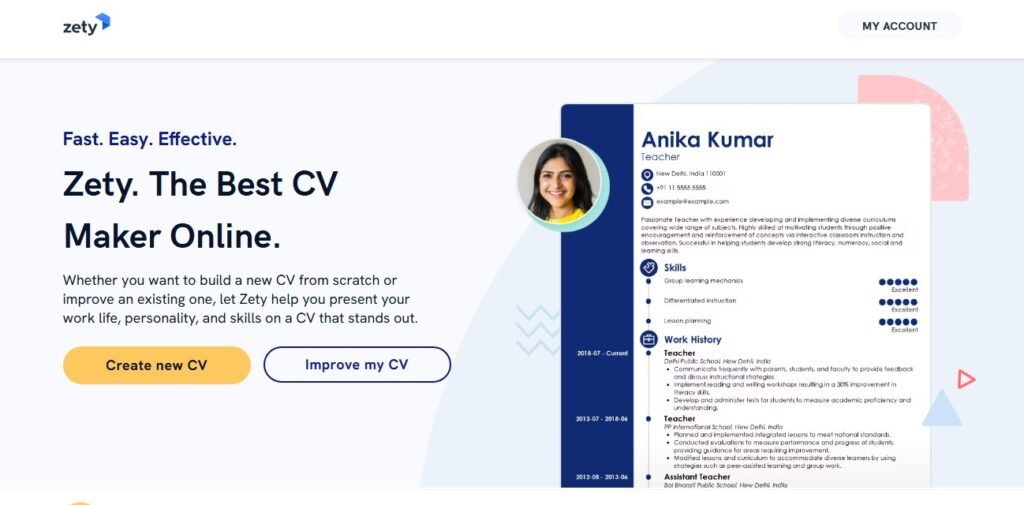
Features: Resume building wizard, AI content tips
Pros: Easy customization, strong formatting options
Cons: Most advanced features are premium
8. Enhancv
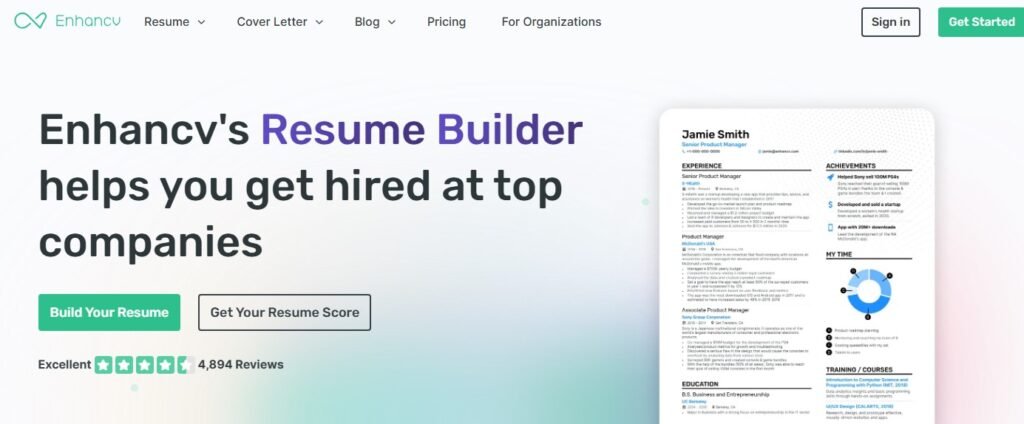
Features: AI recommendations, personal branding options
Pros: Unique designs, visually appealing
Cons: Free version is limited
9. VisualCV
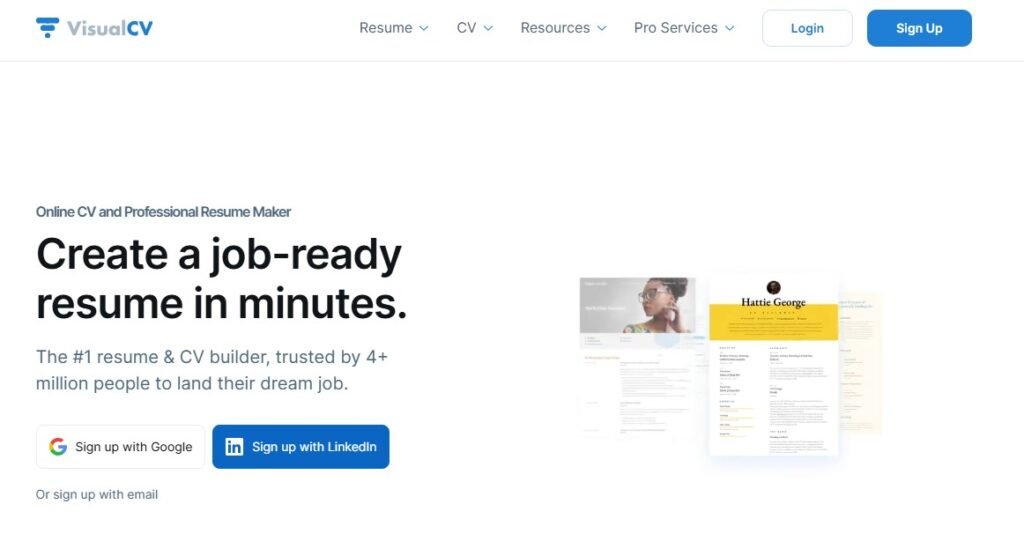
Features: Resume and portfolio building, analytics
Pros: Tracks views/downloads, professional look
Cons: Limited free version
10. Resume Genius
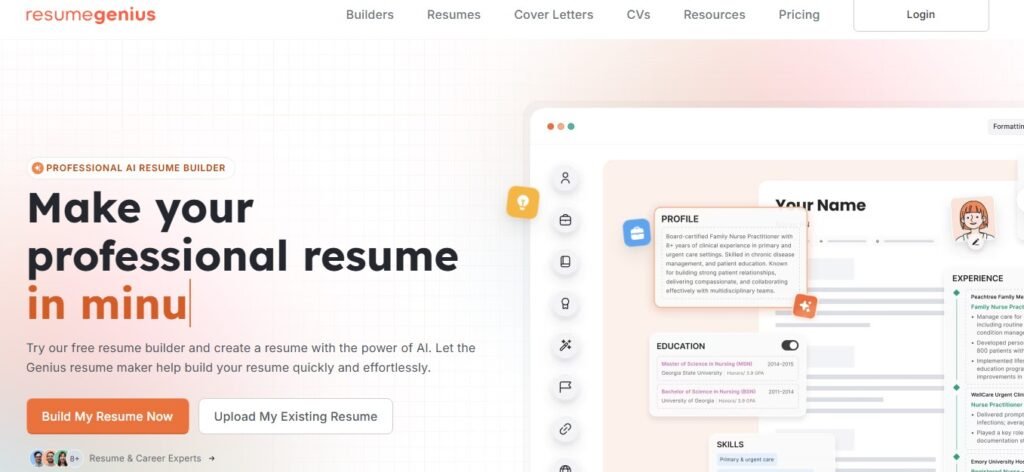
Features: Step-by-step builder, multiple templates
Pros: Quick, beginner-friendly
Cons: Some templates require subscription
Tips & Best Practices When Using AI Resume Builders
Tailor Your Resume: Customize for each job application.
Highlight Achievements: Focus on accomplishments, not just duties.
Use Keywords: Include industry-specific keywords to pass ATS.
Check Formatting: Ensure proper spacing, fonts, and section alignment.
FAQ
Q1: Are AI resume builders really free?
Yes, most tools offer a free plan with essential features. Some advanced templates or exports may require paid plans.
Q2: Do AI resumes pass ATS systems?
Yes, most AI resume builders optimize formatting and keywords for ATS compatibility.
Q3: Which AI resume builder is best for beginners?
Kickresume and Resume.io are beginner-friendly and intuitive.
Q4: Can AI create resumes for students or freshers?
Absolutely! Many AI tools are designed to generate resumes with minimal experience.
Conclusion
AI resume builders are a game-changer for job seekers, saving time while creating professional and ATS-ready resumes. Whether you’re applying for your first job or upgrading your current resume, these 10 free AI resume builders in 2025 are your ultimate toolkit.
CTA: Start building your resume today with one of these AI-powered tools and get noticed by recruiters!